Best Parental Control Monitoring App
for iPhone, iPad and Android devices






Individual
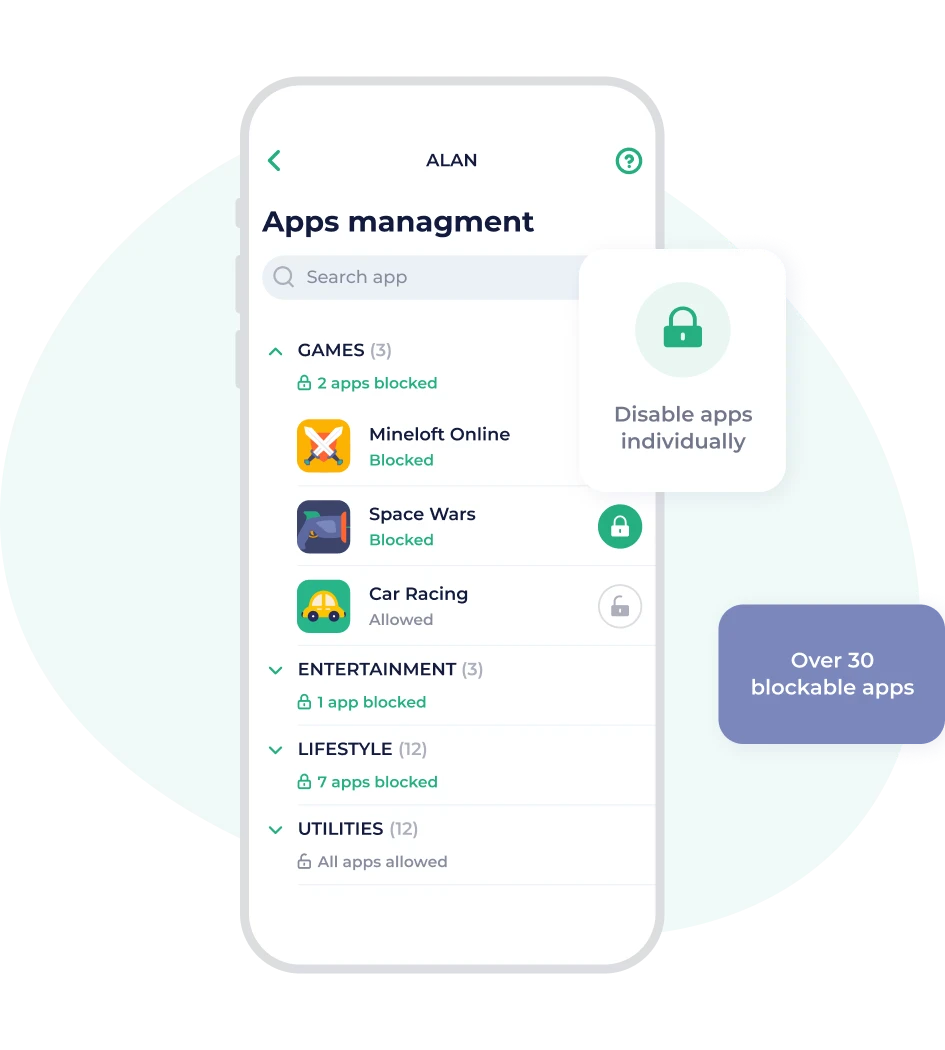
App blocking
Now you can block individual apps on both Android and iOS. The iOS app blocking feature disables internet access to a selection of the most popular (and most disruptive) gaming and social media apps.
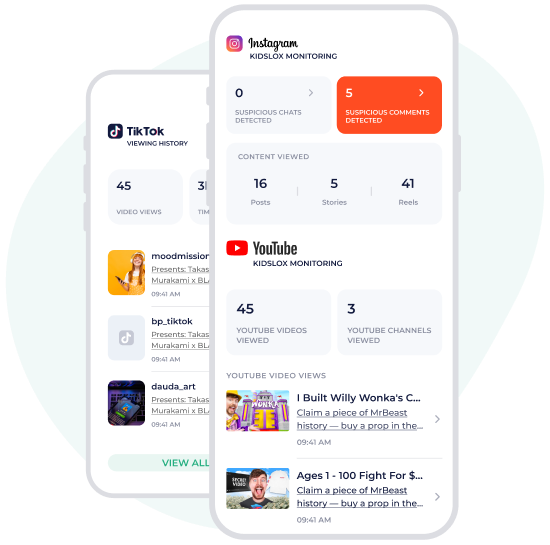
Social Network Monitoring: TikTok, Instagram, YouTube
Guide your teen to make better choices and understand the impact of their online interactions. Monitor your child's activity on social networks like YouTube and Instagram to help ensure their safety online and get a wider picture of the type (and quantity) of content they’re engaging with.
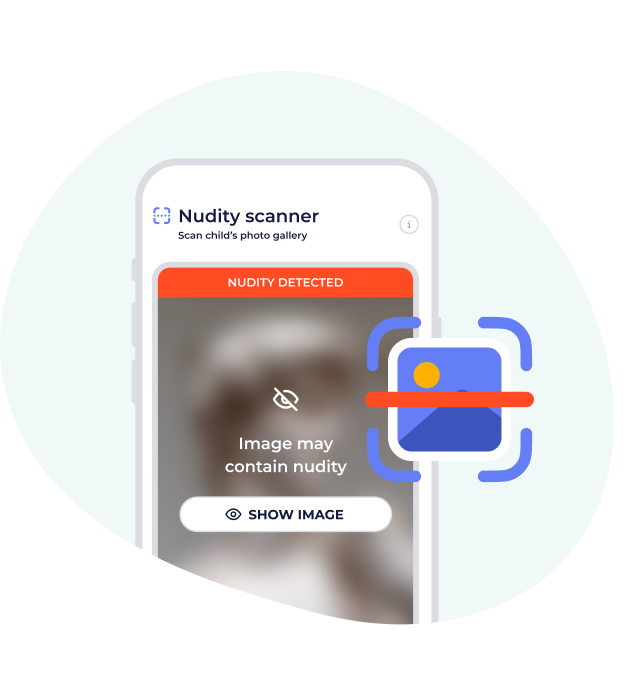
Content Monitoring
Get alerts if Kidslox detects nude images in your child’s gallery. Learn exactly what your child is engaging with via AI summaries of visited sites, Get notified about suspicious activity in several popular social media platforms.
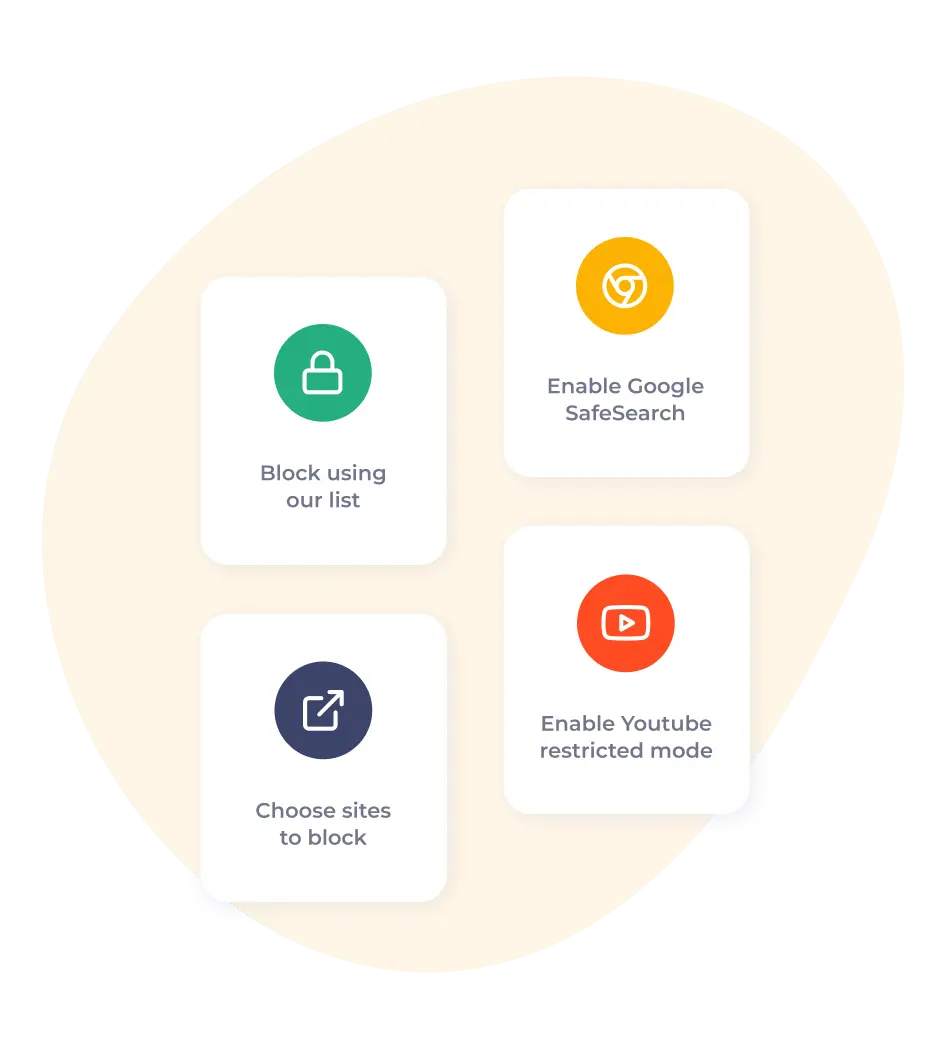
Filter web content
Kidslox powerful content blocking features ensure that your kids are protected from over 4 million inappropriate URLs and can see only the search results allowed by Google SafeSearch and Youtube restricted mode. You can also manually add sites to be blocked.
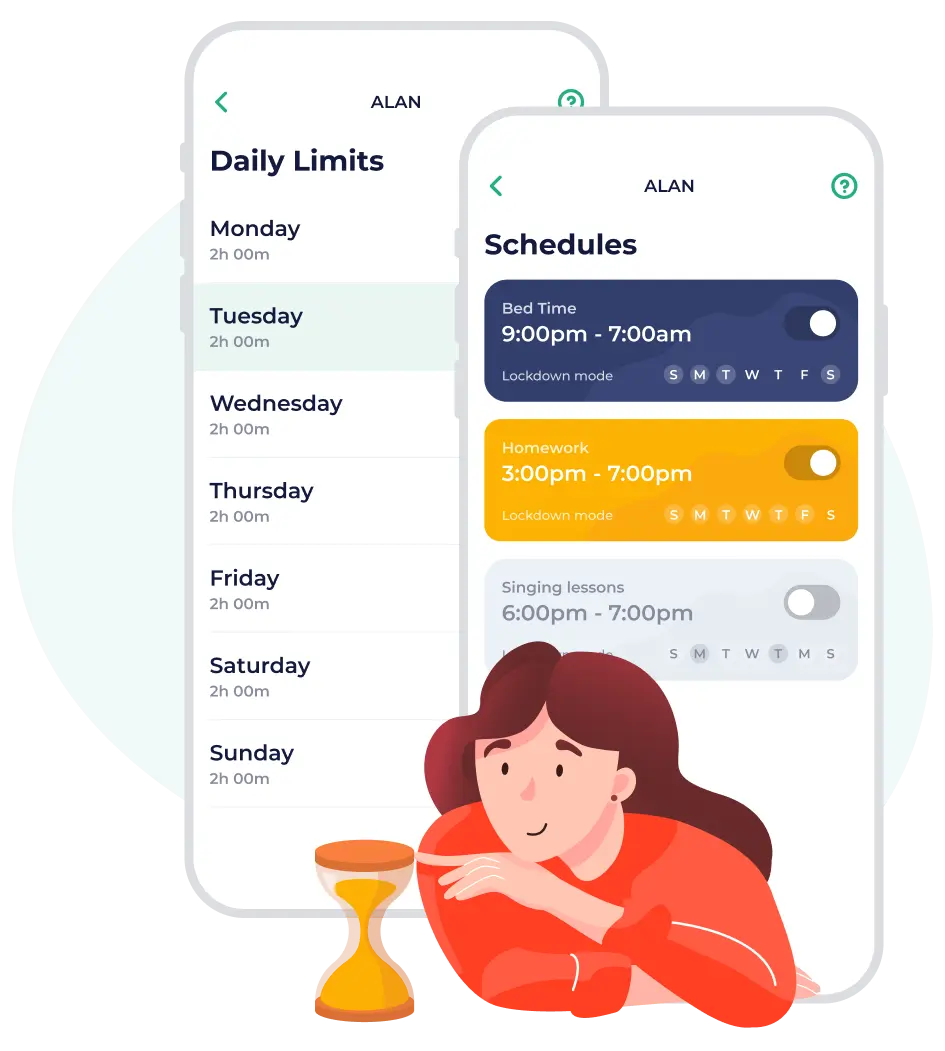
Daily limits & Schedules
The Daily Limits feature makes setting screen time for your children simple. Just choose how much time they can have for the day. When the time runs out, their device changes to Lock mode.
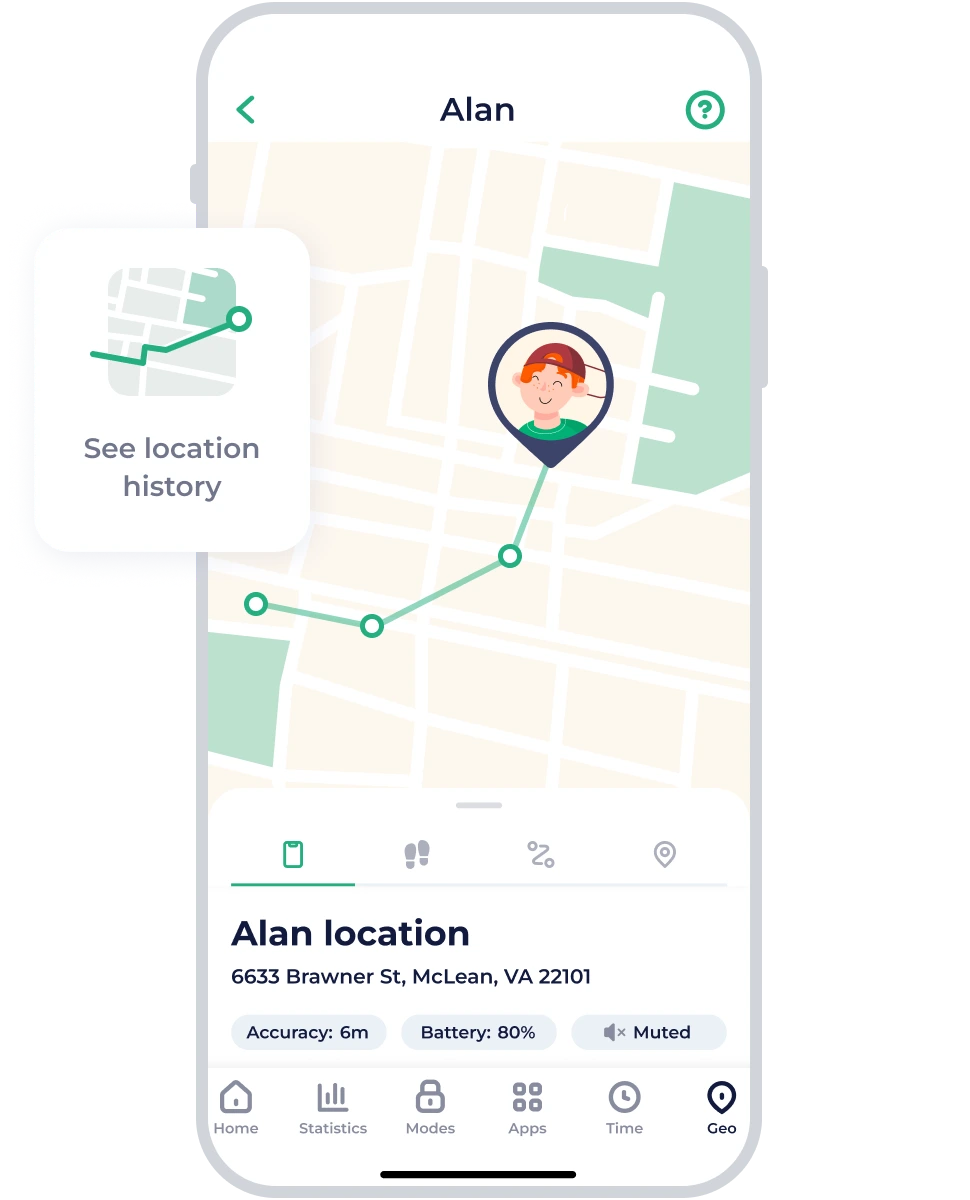
Keep track
of location
Want to see the location of your kids on the map? Enable location tracking to make it easier to keep track of their whereabouts. Location tracking makes it easier to arrange pick-ups and provides peace of mind to parents everywhere.
More Features


iOS/Android

Childproofing